Revolution is Coming: Join the Summer Missions
1
 6 years ago
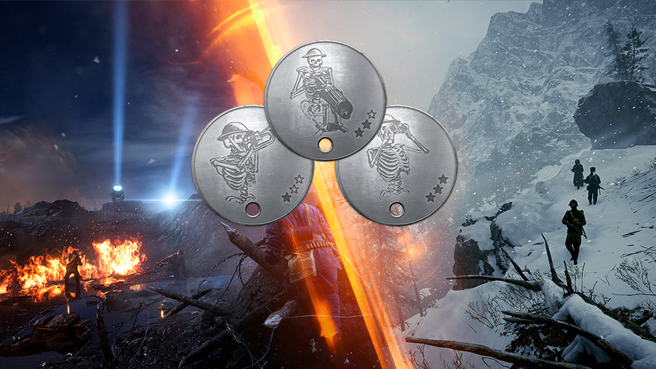
Revolution is coming. To let you get warmed up, we’ve prepared the Battlefield 1 Summer Missions. These missions are part of a chained series of challenges where we urge you to PTFO and be a team player.
Each mission comes with its own amazing Dog Tag reward and a Squad XP Boost for those who complete it. Succeed in all three and there’s an exclusive melee weapon in it for you: the LVC Arditi Knife. You can also expect another reward that we’re keeping secret for now…
The first Summer Mission is dubbed the Call to Action Mission. Here, your objective is to play, complete, and win three full matches of Operations. This mission is active between July 15 and July 23.
If you complete the mission in time, you’ll get the Call to Action Dog Tag (rewarded on July 31) and a Squad XP Boost (login between July 23 and July 30 to receive this.)
Hello Battlefield 4 fans,
The Battlefield 4 Community Test Environment was a fantastic tool the DICE development team used to test unreleased content in a live environment, tweak and balance features, weapons, vehicles, and more, and even create new maps for Battlefield 4.
As we have moved on from Battlefield 4 to focus on other titles there is no longer any new content to be tested on the Battlefield 4 CTE. During the transition off of Battlefield 4, we kept CTE open for any opportunities to test other proposed content. The Battlefield 4 CTE has served its purpose and there is no further development for Battlefield 4, therefore we will be ending the service on March 6th, 2017. We appreciate all the hours logged by the community, all the feedback you’ve shared, and all the experiences that we had together in the Battlefield 4 CTE.
We thank you for your participation and we’ll see you on the battlefield!
David “t1gge” Sirland
7 years ago

Maybe you haven’t joined Battlefield™ 1 yet. Or maybe your friends haven’t taken that step to make your squad even more awesome. Either way, you should know that a free trial of Battlefield 1 is coming up this weekend.
The free trial is available for PC and Xbox One players between March 3 and March 5. Full details below.
Xbox Live Gold: Free* Play Days
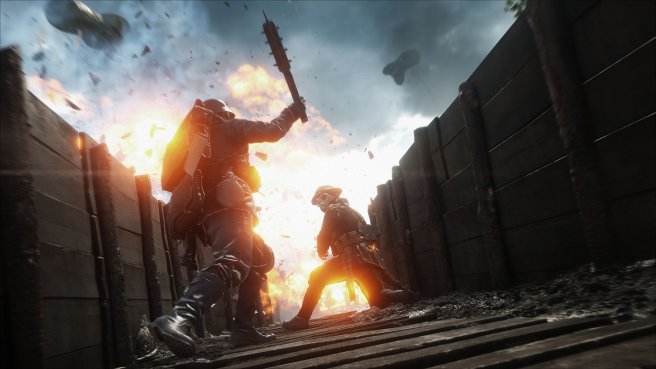
Xbox Live Gold members on Xbox One can enjoy Battlefield 1 for free with Xbox Live Gold’s Free Play Days.
You’ll be able to deploy at 9AM PT, March 3 through 11:59PM PT, March 5. During this time, you’ll get to play the full Battlefield 1 with its intense multiplayer matches and gripping single player War Stories.
All Gamerscore and Achievements earned during this event period are yours to keep, and your save and game data will carry on if you decide to buy the game at a later time.
Battlefield 1 Origin Open Trial
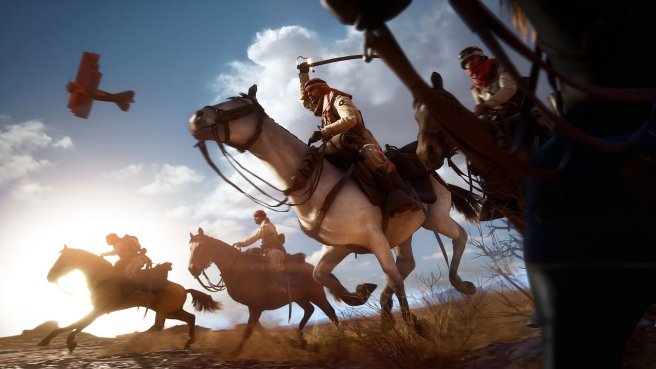
The Battlefield 1 Origin Open Trial lets you play Battlefield 1 for free† and the trial version can be downloaded between March 3, 5AM PT and March 6, 10AM PT.
You’ll get 10 hours of play time with 4 multiplayer modes on 5 maps. You can also play the first two War Stories of the game’s acclaimed single player.
Learn more at https://www.origin.com/store/free-games/trials
EA Publisher Sale
If you take a shine to Battlefield 1 during the trial, check out the EA Publisher Sale. It will feature sales on Battlefield 1, the mighty Battlefield 1 Ultimate Edition and other EA titles like Star Wars™ Battlefront™, FIFA 17, and Titanfall 2. Conditions and restrictions apply; learn more by hitting the link below:
Save up to 60% on Battlefield 1 in the EA Publisher Sale (Offers may vary depending on region.)
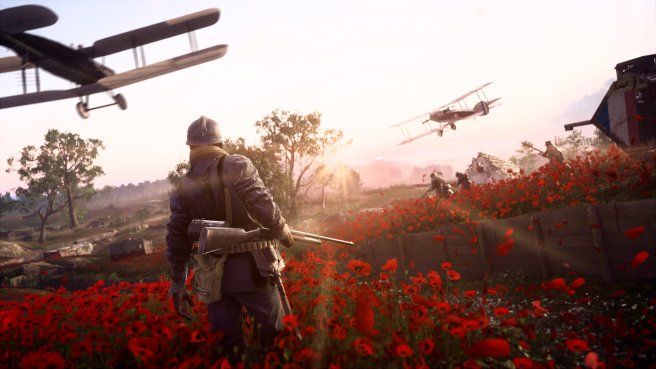
New Battlefield 1 Content Coming Up
With a ton of new content on the horizon, this is a great time to join Battlefield 1. Four themed expansion packs filled with new maps, armies, weapons, and more are coming up: Battlefield 1 They Shall Not Pass, Battlefield 1 In the Name of the Tsar, Battlefield 1 Turning Tides, and Battlefield 1 Apocalypse.
Learn more about the 4 upcoming Battlefield 1 expansion packs
*LIMITED TIME FREE TRIAL. TRIAL TIME IS SUBJECT TO CHANGE. VALID WHEREVER TRIAL IS AVAILABLE. ACCEPTANCE OF PRODUCT END USER LICENSE AGREEMENT (EULA), EA PRIVACY AND COOKIE POLICY AND TERMS OF SERVICE REQUIRED TO PLAY. INTERNET CONNECTION, EA ACCOUNT, AND XBOX LIVE GOLD SUBSCRIPTION (SOLD SEPARATELY) REQUIRED TO ACCESS ONLINE FEATURES. YOU MUST BE 13+ OR MEET THE MINIMUM AGE DESIGNATED FOR YOUR TERRITORY TO ACCESS ONLINE FEATURES.
† Persistent internet connection, EA Account, acceptance of EA Privacy & Cookie Policy (privacy.ea.com), Terms of Service (www.ea.com/legal) and Origin and Battlefield 1 End User License Agreements (“EULAs”), and installation of the latest version of the Origin Client Software (www.origin/store/about) required to play. EULAs and additional disclosures can be found at www.ea.com/legal. Must be 13+ to create an EA Account. Limited time free trial. Trial time is subject to change. Valid wherever trial is available. Trial content may be limited to certain levels or modes. IN-GAME STATUS AND ASSETS (IF ANY) WILL BECOME UNAVAILABLE UPON EXPIRATION OF THE TRIAL UNTIL THE GAME IS PURCHASED. TRIALS ARE LIMITED TO ONE PER TITLE PER ACCOUNT (AND PER MACHINE FOR GAME TIME TRIALS). Origin Access members who have already redeemed a Battlefield 1 Play First Trial are not eligible. EA RESERVES THE RIGHT TO REMOVE TITLES FROM TRIALS AT ANY TIME.
7 years ago
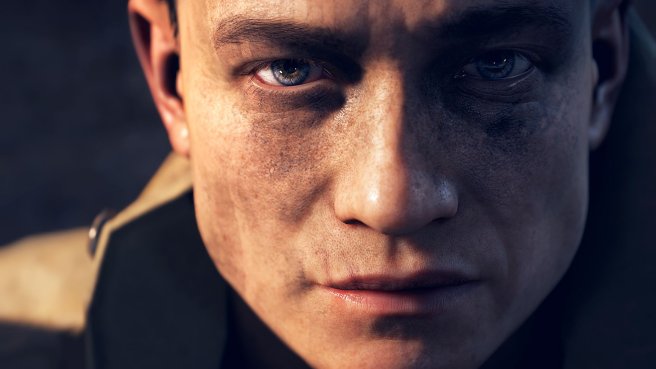
As Battlefield™ 1 is rolling out worldwide, I’m looking back on a journey that started with a daring pitch from the team here at DICE. Fast forward a few years, and it’s almost surreal to see you getting your hands on the final result, facing the dawn of all-out war with the rest of the community.
With Battlefield 1, we wanted to create a fresh new take on the franchise, keeping that classic and unmistakable flavor that is Battlefield intact. It was a gamble. We knew that.
But with such a unique game setting like the Great War, many unique gameplay options came with it. Judging from your reactions (not to mention how much fun we’ve had with the game ourselves) I dare say the gamble has paid off.
Nothing fills me more with joy than hearing your stories from the game – how you won that dog fight, found that weapon pickup, or turned that round of Conquest around at the last minute. I look forward to many more stories of that kind.
See you on the battlefield!
7 years ago
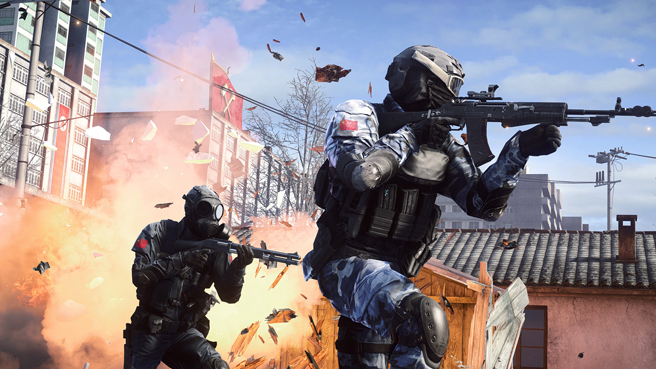
We’ve nearly reached the end of the Road to Battlefield™ 1. The game releases worldwide on October 21 (or October 18 if you pre-order the Early Enlister Digital Deluxe Edition), and everyone will finally be able to experience the dawn of all-out war. We’re even hosting a Road to Battlefield 1 Livestream next week, which you can learn about on the Battlefield Livestream page.
But the battle isn’t over in Battlefield 4™ or Battlefield™ Hardline. There’s one last mission you need to report in for – and if you complete it, you’ll get something special in Battlefield 1.
October 12 – October 17
Get the M1911 “The Incarcerator” Weapon Skin and Road to Battlefield 1 Dog Tag
That’s right. Put your helmet back on and pick up the M1911 – you need to head back into either Battlefield 4 or Battlefield Hardline if you want to get the M1911 “The Incarcerator” weapon skin in Battlefield 1, as well as the Road to Battlefield 1 Dog Tag. You’ll also get a Gold Battlepack in whichever game you complete the mission in.
Here’s what you need to do:
M1911 Community Mission
Jump into any Battlefield 4 or Battlefield Hardline multiplayer mode and map and get 100 kills with the M1911 to get the M1911 “The Incarcerator” weapon skin and Road to Battlefield 1 Dog Tag in Battlefield 1, and a Gold Battlepack in either Battlefield 4 or Battlefield Hardline (whichever you complete the mission in). This mission is active between October 12, 2016 9AM PT and October 17, 2016 9AM PT.
*THIS OFFER IS BEING ISSUED TO YOU FOR PROMOTIONAL PURPOSES ONLY AND DOES NOT CONSTITUTE A CREDIT, CHARGE, DEBIT OR GIFT CARD. LIMIT ONE ROAD TO BATTLEFIELD 1 DOG TAG AND ONE BATTLEFIELD 1 INCARCERATOR WEAPON SKIN PER EA ACCOUNT. PARTICIPATION AND ACCESS TO IN-GAME CONTENT REQUIRES BATTLEFIELD 4 AND/OR BATTLEFIELD HARDLINE ON APPLICABLE PLATFORM, ORIGIN ACCOUNT, INTERNET CONNECTION, AND (FOR CONSOLE PLAYERS) AN XBOX LIVE GOLD OR SONY ENTERTAINMENT ACCOUNT. YOU MUST CONFIRM COMPLETION OF COMMUNITY MISSIONS ON THE BATTLELOG COMMUNITY MISSION PAGE BEFORE THE MISSION’S CLOSING DATE IN ORDER TO RECEIVE REWARDS.
EXCEPT AS EXPRESSLY CREDITED, NO WEAPON, VEHICLE OR GEAR MANUFACTURER IS AFFILIATED WITH OR HAS SPONSORED OR ENDORSED THIS GAME.


